
CVs arrive through different channels
Applications sit across websites, inboxes, files and recruiter conversations.
Bring website applications, walk-ins, CVs, recruiter entries and existing candidate lists into one structured recruitment workflow—without making every source a separate manual process.
Built & supported in Sri Lanka
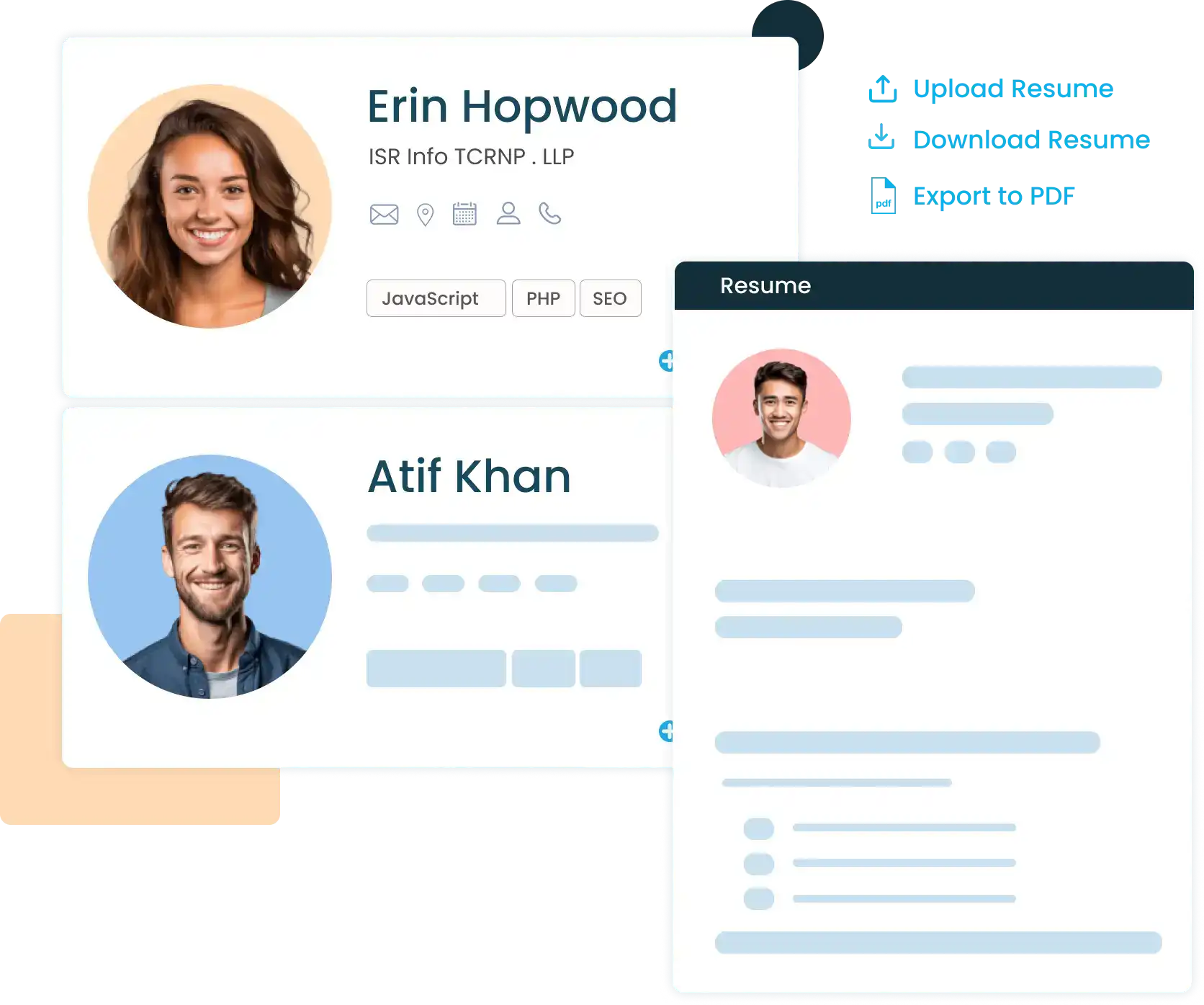 Online applications
Walk-ins
CVs & imports
Online applications
Walk-ins
CVs & imports
The first step in recruitment often creates the most repetitive work—especially when every candidate source needs a different process.
Applications sit across websites, inboxes, files and recruiter conversations.
Useful recruiting time is spent copying names, experience and contact details into another record.
Candidates need a quick route from arrival into review, screening and interviews.
Older Excel candidate records should not require one-by-one recreation.
Different intake methods can create incomplete profiles or repeated versions of the same person.
Use the intake method that fits the situation. Once captured, the candidate can be reviewed, kept in the databank, connected to a vacancy and progressed through the recruitment workflow.
The route may differ, but the destination remains consistent.
Candidates can view vacancies, provide profile information, answer vacancy qualification questions and upload a CV or additional documents through the careers experience.
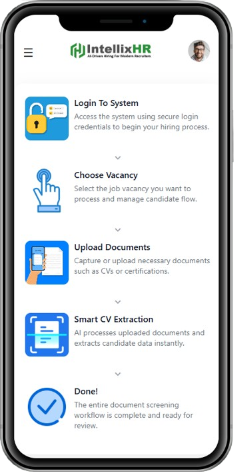
Candidates can self-register through the careers walk-in mode, while recruiters can also assist with capture. The resulting entry moves into a dedicated queue instead of another paper form.
Capture candidate and qualification information.
See pending entries and qualification scores.
Move the candidate into first interview or reject with a reason.
Record recruiter and candidate activity from queue actions.
Not every candidate begins with a completed online application. Recruiters can use the intake path that matches the information they received.
Create a candidate from the essential information available to the recruiter.
Use pasted candidate details to prepare a structured starting record for review.
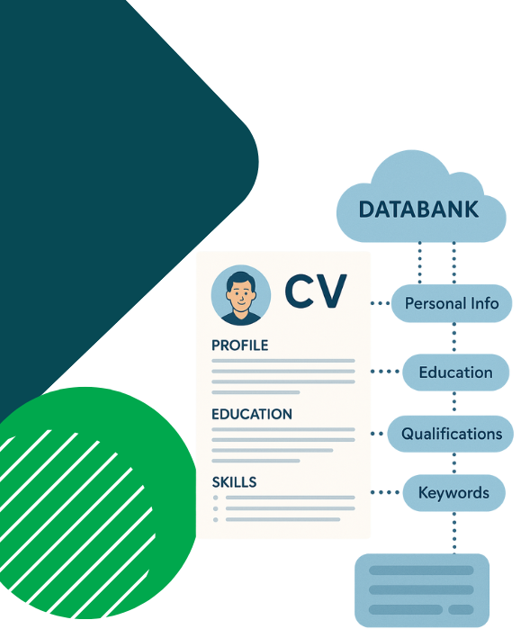
Upload a CV and turn available information into candidate fields, experience and qualifications.
Keep the CV and additional candidate files connected to the record.
Information assistance reduces entry work; recruiters remain responsible for reviewing candidate records.
Use Excel import for candidate lists that already exist instead of rebuilding every record individually. Direct file upload and document capture support candidate information that arrives as files.
Once imported, the records become part of the same databank your recruiters can review, search and reuse.
When an existing candidate sends a newer CV, upload it from the candidate record. IntellixHR can refresh available profile information while retaining earlier experience, education, qualifications, projects, certificates and previous CV files.
Keep new candidates visible through inbox review, walk-in queue status, qualification results, source information and processing state.
Show us where applications and CVs currently come from. We’ll demonstrate how IntellixHR can bring those intake paths into one workflow.